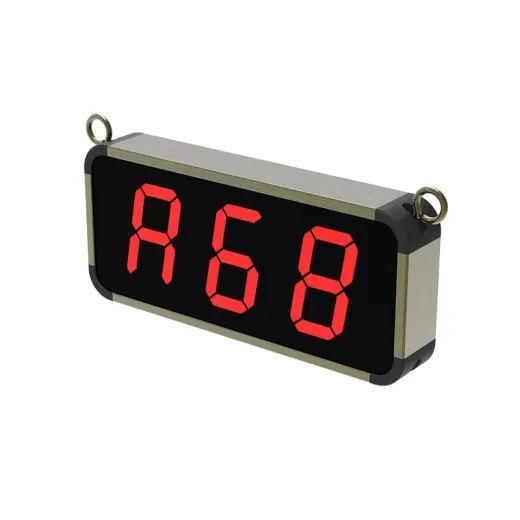
 Nexus
Nexus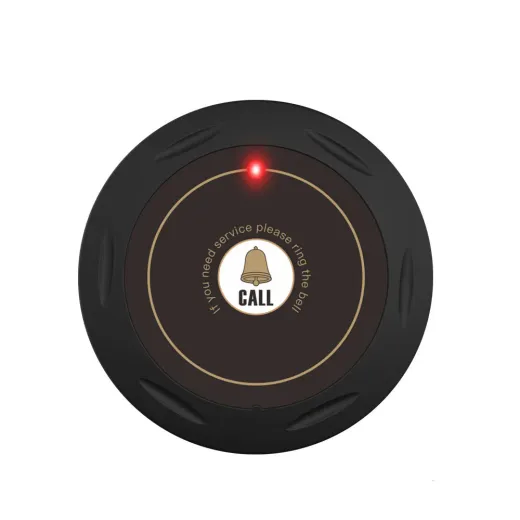 Halo
Halo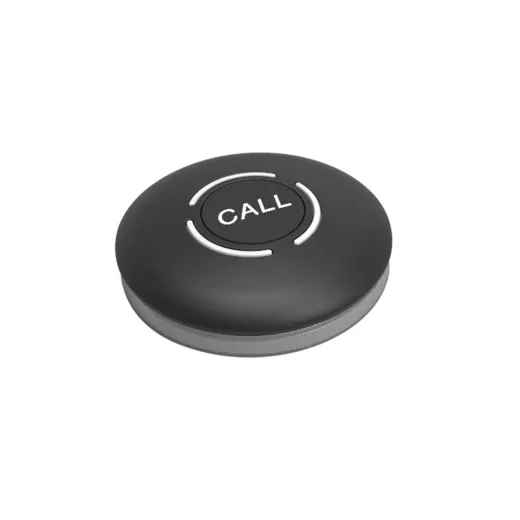 Dot
Dot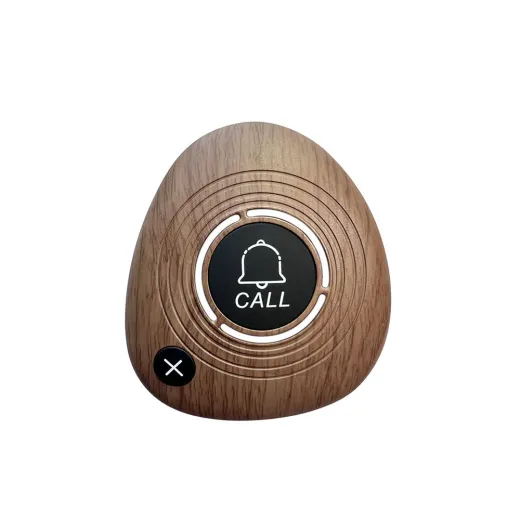 Pebble
01
Installation
We pair every device, test the signal across your venue and match it to your table layout.
Quick answers for your team, a full settings guide for the Nexus display, and real people in Malabe when you need a hand.
We pair every device, test the signal across your venue and match it to your table layout.
Hands-on training so your team is confident from the very first service.
Every device is covered against manufacturing defects. Faulty units are repaired or replaced.
Spare buttons, displays and coin-cell batteries in stock, so you’re never short on a busy night.
Your system arrives already paired. Plug the Nexus into its 5V 1A adapter, press a call button, and its number appears on the display. No setup is needed unless you’re adding buttons or changing settings.
The Nexus has four keys on its side:
| Key | In the menu | During service |
|---|---|---|
| FUN | Open or exit the settings menu | Clear all stored calls |
| BIT | Scroll up; choose which digit to change | |
| ADJ | Scroll down; change the selected digit | |
| ENT | Confirm and save | Clear the call on screen |
To change a button’s number, simply pair it again with the new number. One display holds up to 300 buttons, numbered 001–999 or with letters (such as P12 for a pool lounger).
In the menu, go to F02, enter the number of the button to remove and press ENT. Entering 000 removes every button.
Open the menu with FUN, use ADJ or BIT to move to a setting, ENT to open it, and ENT again to save.
| Menu | Setting | Options (factory setting in bold) |
|---|---|---|
| F00 | Announcement style | Ringtone (0 off, 1–7), number (on/off), call type (off/on) |
| F03 / F04 | Add / remove remote control | Up to 9 remotes |
| F06 | Volume | 0 (mute) to 9, 4 |
| F08 | Auto-clear time | 00–99 seconds, 5 s; 00 keeps each call until cleared |
| F09 | Voice language | English, Japanese, Spanish, German |
| F10 | Ringtone for one table | 0–7 per number |
| F11 | Announcements per call | 1–99, 1 |
| F12 | Gap between repeats | 1–99 seconds, 3 s |
| F13 | Voice queue | Announce every call, or the latest only |
| F14 | Standby screen | ---, last number, or blank |
| F15 | Queue order | First call first, or newest first |
| F17 | Shared numbers | Off; on lets several buttons share one number |
| F19 | Factory reset | Enter 000. This deletes all paired buttons |
Tip for loud venues: raise the volume (F06), set each call to announce twice (F11 = 2) and turn auto-clear off (F08 = 00) so a number stays on screen until someone responds.
When several tables call close together, the Nexus stores them in order and announces each one in turn. The first call stays on screen until it’s cleared:
Call buttons run on coin-cell batteries that typically last a long time with normal use. The Halo uses one CR2032: twist the back ring to OPEN, swap the cell, and twist back to LOCK. The button stays paired after a battery change.
A light that is dim or doesn’t come on when the button is pressed is the first sign of a low battery. We keep spares in stock.
Pair that button again with the correct number (F01). Pairing a button again replaces its old number.
Adjust the volume in F06 (0–9). For noisy rooms, also increase the number of announcements in F11.
Pair each new button to your display with F01. To use a second display, pair your existing buttons to it the same way. We’re happy to do this for you.
Still stuck? Send a short video of the problem on WhatsApp or email [email protected] and we’ll help you fix it.
Tell us your venue and how many tables you have. We’ll recommend a setup and send a quote.