 Nexus
Nexus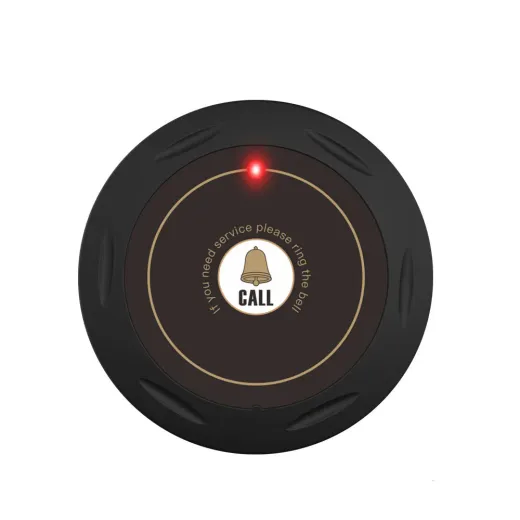 Halo
Halo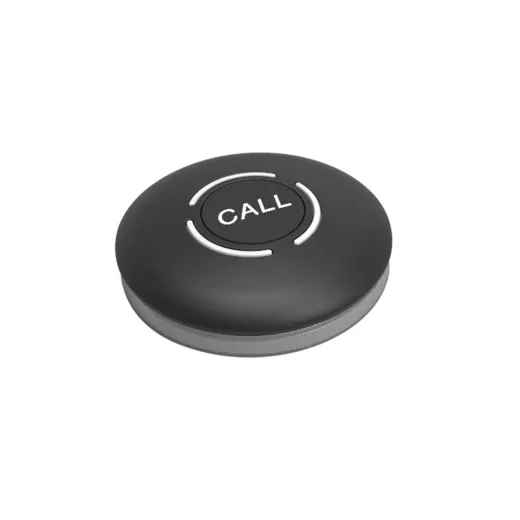 Dot
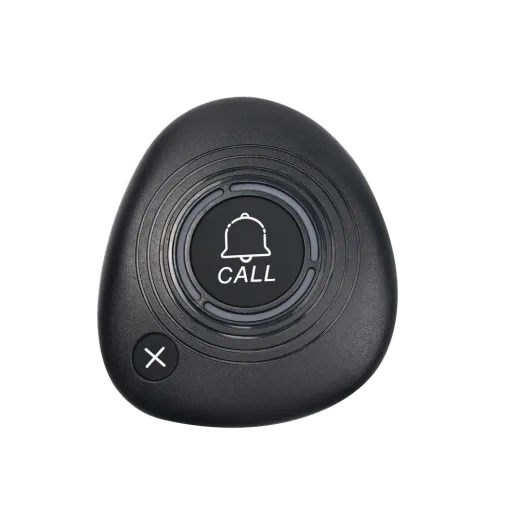
Dot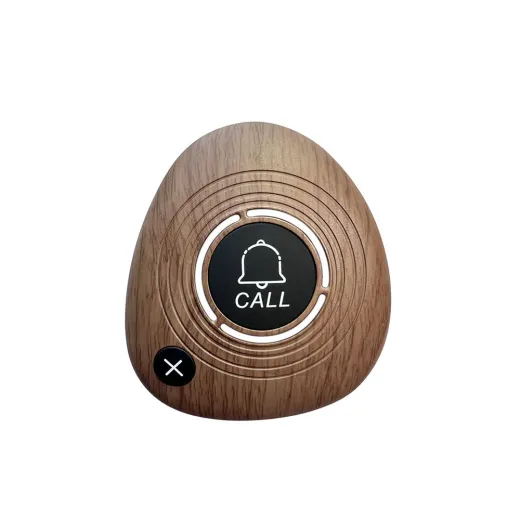 Pebble
01
Back-to-back calls, handled
Calls queue up in arrival order and are announced one after another. Staff clear the number on screen with one key, and the next table appears.
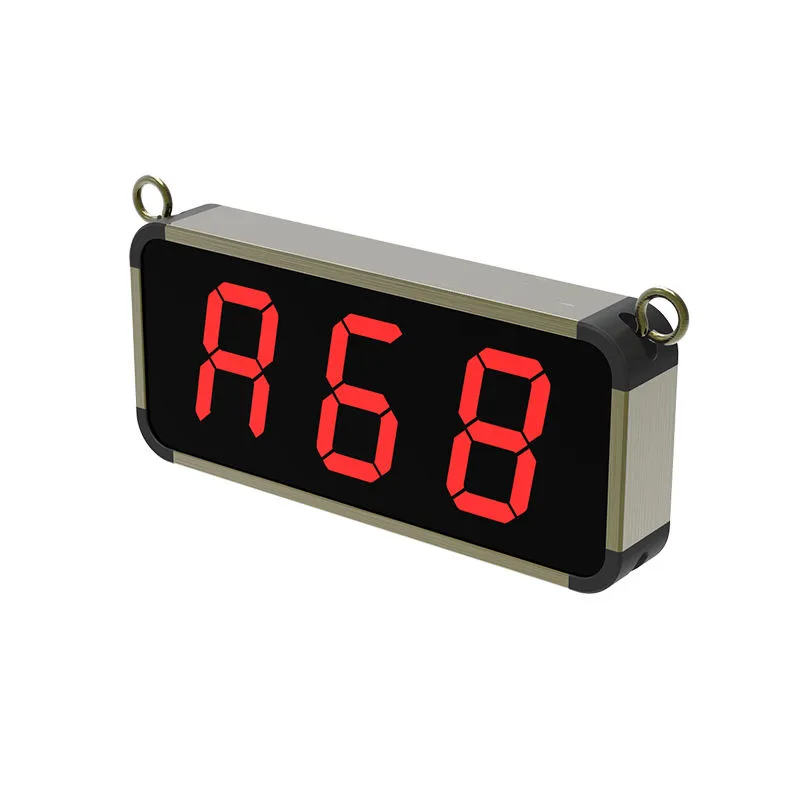
The command centre for your floor.
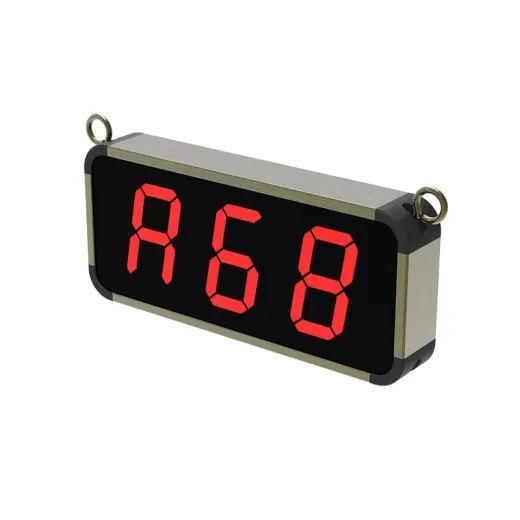
Nexus sits at the counter, bar or kitchen pass. When a guest presses a call button, the table number appears in big red digits you can read across the room, and a voice announces it so staff hear it even when they’re busy.
Calls are stored in the order they arrive. If three tables press at once, each one is shown and announced in turn, so nobody gets skipped.
Everything on the Nexus can be adjusted from its four keys. We set it up for your venue during installation.
Calls queue up in arrival order and are announced one after another. Staff clear the number on screen with one key, and the next table appears.
Large LED digits plus a spoken announcement, with adjustable volume, ringtone and repeats to suit a quiet café or a loud bar.
Add buttons any time, up to 300 per display. Large venues can add more displays so the kitchen, bar and floor each see their calls.
Out of the box, the Nexus uses sequential queuing: the first table to call is shown first. Every call that comes in is announced in turn, and the rest are stored until the number on screen is cleared.
Want to see it in action? Try the live demo, or read the full settings guide.
All three buttons work with the same Nexus, and you can mix them in one venue.
Tell us your venue and how many tables you have. We’ll recommend a setup and send a quote.